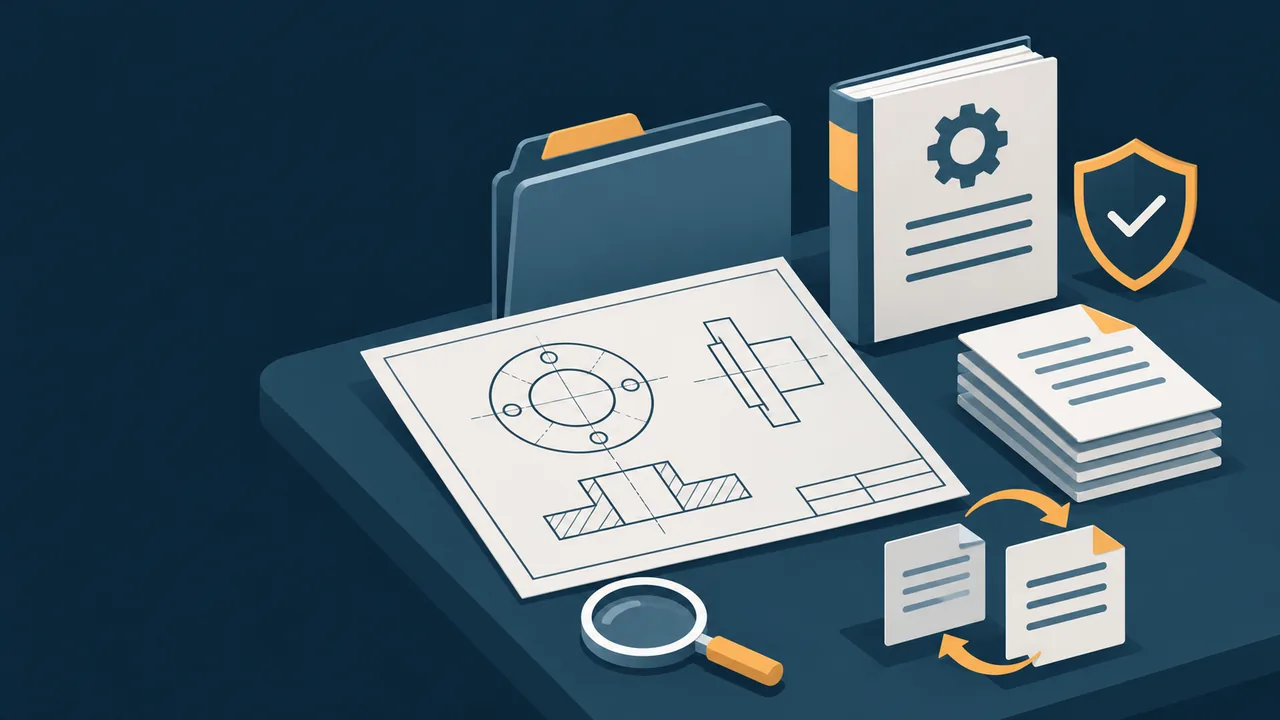
Files stop scattering across personal computers and group chats
Put drawings, contracts, SOPs and operation manuals into one file and knowledge system. Below you can actually search the demo files, view version history, and see how permissions and document handover are accepted.
Illustration · not a real interface or client site
Company Files & Knowledge CenterInterface mockup · test data only · not connected to real files
Orpaon Company Workbench / File Center
Engineering · demo accountDEMO
Engineering File Library
Drawings, inspection specs and contracts accessed with department-based authorization
Department DirectoriesAuthorized
Engineering / Quality / Purchasing
Directory permissions inherited by role
Version HistoryTraceable
Revision history retained
Verify version and change notes before restoring
External SharingApproval Required
Expiry and download permissions
Formal policy configured per project
Recently Updated Files
4 demo files found
File Name
Owner
Updated
Permissions
Actions
Flange-Base-Assembly-V3.dwg
Engineering
Today 10:24
Visible within department
Incoming-Inspection-Spec-SOP-017.pdf
Quality
Nov 04
Plant-wide read-only
Outsourcing-Purchase-Contract-0142.pdf
Purchasing
Today 08:55
Specified members
Equipment Changeover Work Instruction
Production
Nov 03
Shop-floor read-only
File Version History
This is a version-history mockup. A real restore must verify the file opens and the version is correct, and avoid overwriting files still in use.
Interface actions only display simulated results on this page; your files are never read, uploaded or modified.
BEFORE / AFTER
From “it was saved somewhere” to “find it, confirm it, revoke it”
Before: documents followed individuals
Drawings existed in multiple versions across computers, group chats and USB drives
After getting a file, the shop floor still phoned to check it was the latest version
Outbound contracts relied on personal memory for recipients and expiry
After offboarding, accounts, files and edit history were hard to hand over
After: directories, permissions and versions follow rules
Unified directory and naming conventions by department and project
Search, version history and read-only permissions help verify files
Approval, expiry and download permissions for external sharing can be accepted
Offboarding account revocation and document handover follow a standard process
DELIVERY BOUNDARY
What is included, and what must be assessed separately
The following is the recommended delivery structure; it does not mean every edition includes all features out of the box. Implementation follows the selected edition, components and technical agreement.
Can serve as baseline delivery scope
Nextcloud deployment, storage and baseline security settings
Department directories, role permissions and account setup
Migration of files and SOPs within the agreed scope
BookStack knowledge structure and editing permissions
Training on search, version history and offboarding revocation
Requires dedicated verification or additional setup
Format compatibility of online document editing and preview components
Complex outbound approval, watermarking and download control
Deduplication, cleansing and automatic classification of large legacy file volumes
Interfaces to ERP, PLM or a unified identity platform
Large-file sync, cross-site access and capacity expansion
ACCEPTANCE
Accept through four concrete actions
Find a file by keyword
Use a real drawing to verify directories, search and open permissions.
Check and restore a historical version
Restore to an isolated location and confirm the version and file readability.
Verify that unauthorized access is blocked
Check permissions with shop-floor, engineering and outsourcing accounts respectively.
Complete one offboarding handover
Revoke the account, retain the documents, and check the administrator audit trail.
Next demo
Production Work Orders & Equipment Checks
Start with one work order and one equipment check, and get shop-floor records actually flowing.