Software delivery isn't the end — running state, backups and issues stay covered
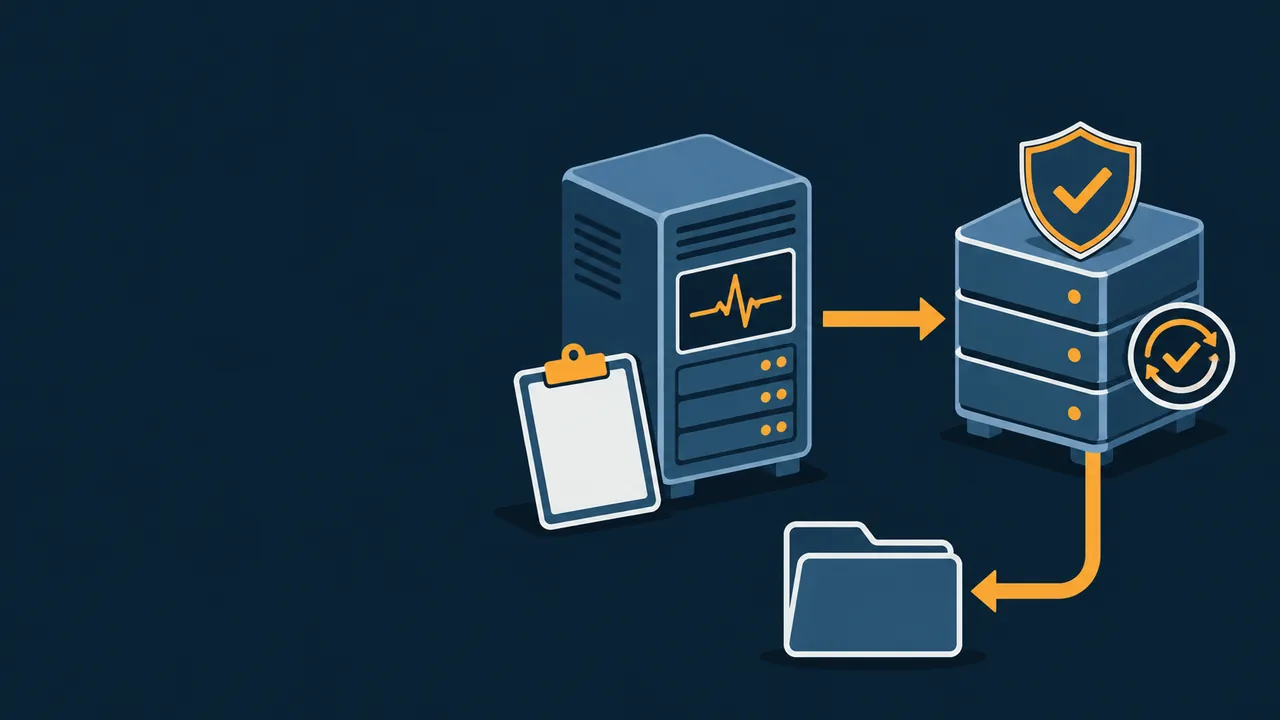
See device status, backup results and service tickets in one view. More importantly, rehearse a complete drill from snapshot selection to restore verification — instead of only seeing “backup success”.
01 · Choose a restore pointConfirm snapshot date and file version
02 · Restore to an isolated directoryOriginal files in use are not overwritten
03 · Open and verifyVerify readability, version and the drill record
Service Tickets & Handling Records
Service hours and response levels follow the contract
Ticket
Issue
Handling
Status
IT-0248
Warehouse network equipment alert
Remote diagnostics in progress
In Progress
IT-0247
Specified-file restore drill
Isolated directory verification
Awaiting Acceptance
IT-0246
Shared printer offline
Reconfigure and review
Closed
The restore button only advances the demo steps on this page; it never accesses backup repositories, modifies files or creates real service tickets.
BEFORE / AFTER
From “someone installed the software” to “someone stays accountable”
Before: no visibility of state, restores never tried
Server and network issues were reported only after staff noticed
The backup screen said success, but restores were never verified
Outages were tracked in chat logs, with no way to review the handling
Admin accounts were shared, and remote-support access was hard to revoke
After: monitoring, backup and tickets on record
Key devices and apps monitored and alerted on agreed metrics
Independent copies, failure alerts and restore drills form a closed loop
Service tickets keep acceptance, handling and closure records
The provider uses independent accounts; authorization, logs and exit can be accepted
DELIVERY BOUNDARY
Ongoing operations also need clear service boundaries
Specific service hours, response methods, on-site scope and escalation windows are listed in the service agreement — “available around the clock” is no substitute for enforceable terms.
Can be included in operations service as agreed
IT asset register, service catalog and ticket records
Basic monitoring of servers, network, applications and databases
Encrypted snapshots, independent storage and backup failure alerts
Scheduled inspections, backup checks and restore drills
Authorized remote support, operation records and service reports
Requires dedicated verification or a separate agreement
Full-machine and cross-machine restore capability for every business system
Complex high availability, disaster recovery failover and network security remediation
Production equipment maintenance, spare parts and downtime analysis
On-site visits outside agreed hours and major version upgrades
Remote support tool selection and security assessment
ACCEPTANCE
Accept operations service on records and drills
Spot-check one real alert
Check the detection, notification, acceptance, handling and closure records.
Perform one independent restore
Restore a specified file to an isolated directory, open it and verify the version.
Verify a backup failure gets noticed
Simulate failure conditions and check the alert and follow-up process.
Revoke one service account
Confirm access ends immediately and related logs and materials are handed over.
Next demo
Customer & Sales Follow-up
Inquiries get assigned, follow-ups get reminders, stages move forward, and departures have handovers.