
One tool isn't enough, and buying more gets costlier
Different problems sit with different vendors and tools, and the cost of choosing keeps growing.
Choose from many apps in one place, and enable what you need nowFile collaboration, customer management, project work orders, knowledge bases, dashboards, device connectivity... Apps are selected on demand, with unified deployment, unified backup and ongoing operations. Enable what you need today and expand as you grow.
One entry point, enabled step by step as your business grows
No matching apps. Try “files”, “production” or “backup”.
A rich selection doesn't mean installing everything. Start by spelling out the real problems, then decide what to enable first and what to defer.
Different problems sit with different vendors and tools, and the cost of choosing keeps growing.
Choose from many apps in one place, and enable what you need nowStaff log in again and again, while orders, customers and files stay hard to link.
A unified app entry point; account and data integration accepted per projectInstallation is only the start; data migration, permission setup and training decide whether it actually gets used.
Deployment, migration, training and ongoing operations handled by one teamYou want to solve today's problems without re-tendering a vendor every time new needs appear.
Reuse existing investments first and expand within the same app centerBusiness data, administrator rights and eventual handover need to be spelled out in advance.
Private deployment, data export and exit-handover terms supportedThe salesperson, the software vendor and the hardware vendor each own a piece, so responsibility for failures is hard to pin down.
One team handles support within the agreed scopeFrom office collaboration to device connectivity, the catalog can be rich; the first rollout is sized to your company's stage, data readiness and team capacity.
Give files, knowledge and tasks one home.
Connect customers, orders and business data.
Put shop-floor progress, equipment checks and traceability on record.
Someone keeps watching system health and data recovery.
Handles shop-floor needs that standard apps cannot cover.
The interface mockups below were produced by Orpaon. They demonstrate business workflows with test data, are not client cases, and do not constitute a guarantee of results.
Stop scattering files across personal computers and group chats. Search drawings, check version history, and see how permissions and offboarding account revocation are accepted.
View the File Center MockupStart with one work order and one equipment check, and get shop-floor records actually flowing. Switch views for production progress and the mobile check-to-closure loop.
View the Production & Checks MockupDon't just store the data — make it legible and traceable for managers. Switch dates and shifts to view trends, metrics and exception details.
View the Business Dashboard MockupSoftware delivery isn't the end. Check device status, backup results and service tickets, and rehearse a restore from snapshot selection to verification.
View the Operations & Restore MockupKeep track of every customer instead of relying on memory. Filter opportunities by stage, search customers, view follow-up reminders, and check version boundaries for quoting and automation.
View the Customer & Sales MockupRoutine work gets done, with the process on record. See today's schedule, execution logs, human review and alerts on one page, and simulate one “review and release”.
View the Digital Employee Workbench Mockup“Value for money” isn't free software — it's seeing the total investment, the cost of choosing and the boundaries of future accountability clearly before you commit.
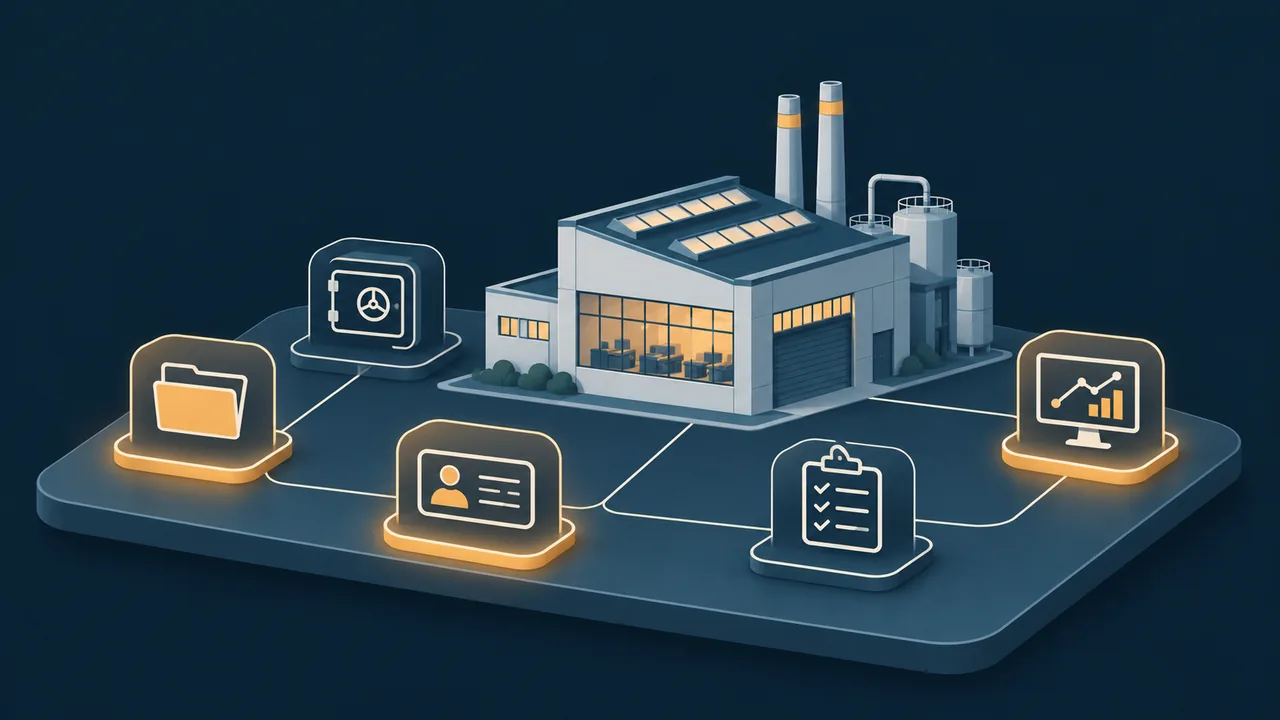
Base resources are sized to your data volume, concurrency and existing equipment — not stockpiled for “maybe later”.
Open source, commercial software and custom capabilities are selected per scenario, with implementation work and third-party licenses itemized separately.
Service hours, remote support, inspections and upgrade scope are written into the service agreement, not left to verbal promises.
A digital employee (AI agent) is an AI worker with an account, a task list and a work log: producing content on schedule, patrolling systems and consolidating data. Orpaon's own website operations and multi-platform publishing are handled daily by digital employees.
Drafts articles and image concepts on a per-column schedule and adapts them for on-time publishing across platforms; human review is retained before publishing, as agreed.
Checks website availability, backups, certificates and disk status on a schedule, reports anomalies immediately, and handles routine tasks automatically overnight.
Consolidates daily drafts of order, inventory and follow-up sheets, cross-checks differences and alerts the person responsible.
Answers questions by retrieving from your own SOPs and document directories, citing sources rather than inventing content.
It lists not only “what to buy” but also what can wait and what is not yet recommended for purchase, so the system isn't overbuilt from day one.
After you tick problems on the left, this area shows what to enable first, what to expand later, what is not yet recommended for purchase, and how costs break down.